




It often starts with something small.
Your mom mentions she “almost slipped” stepping out of the shower.
Your dad jokes that he “doesn’t need help,” but you notice the bruise on his arm.
Or you get that familiar feeling when the phone rings late: Please don’t let this be the call.
If you’re a woman in your 50s or beyond, there’s a good chance you’re the one quietly holding the family’s care plan together. You’re scheduling appointments, tracking medications, reading between the lines, and trying to support your parents’ independence—without taking it away.
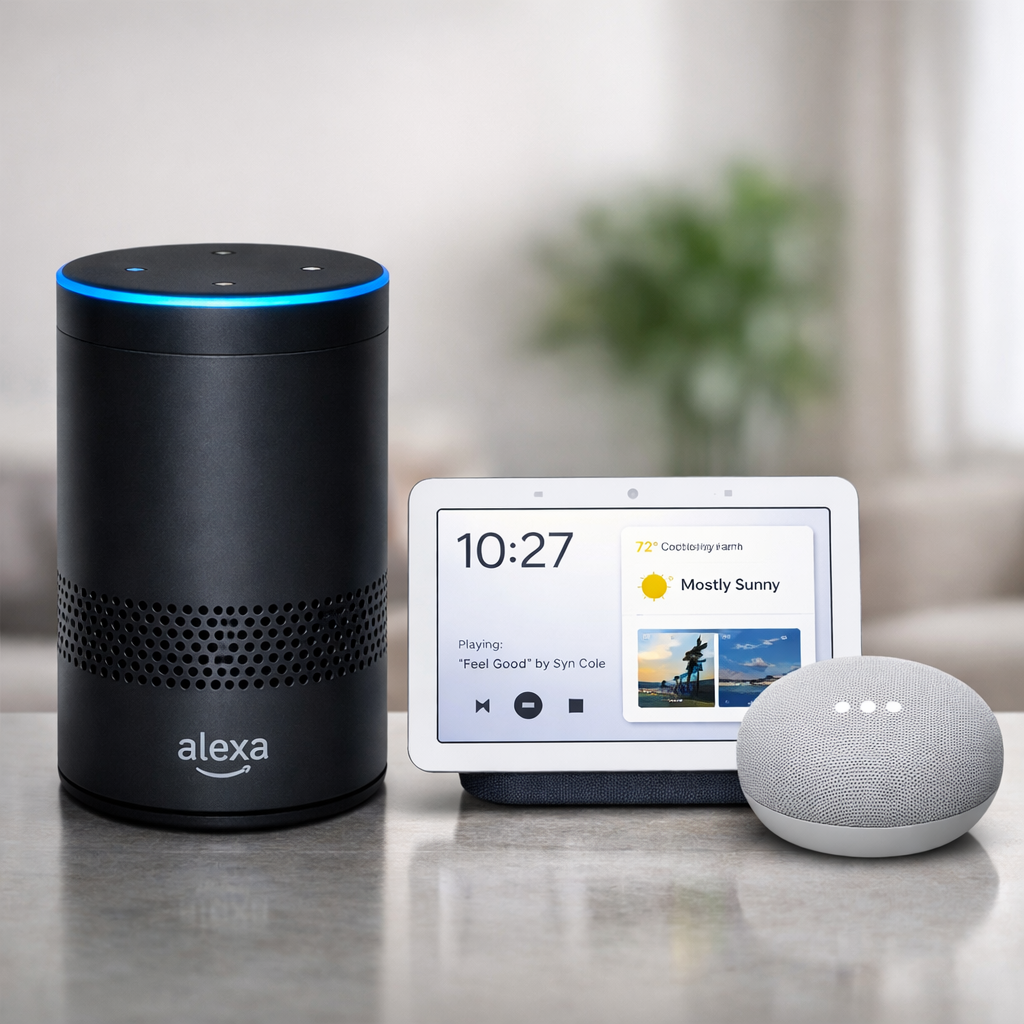
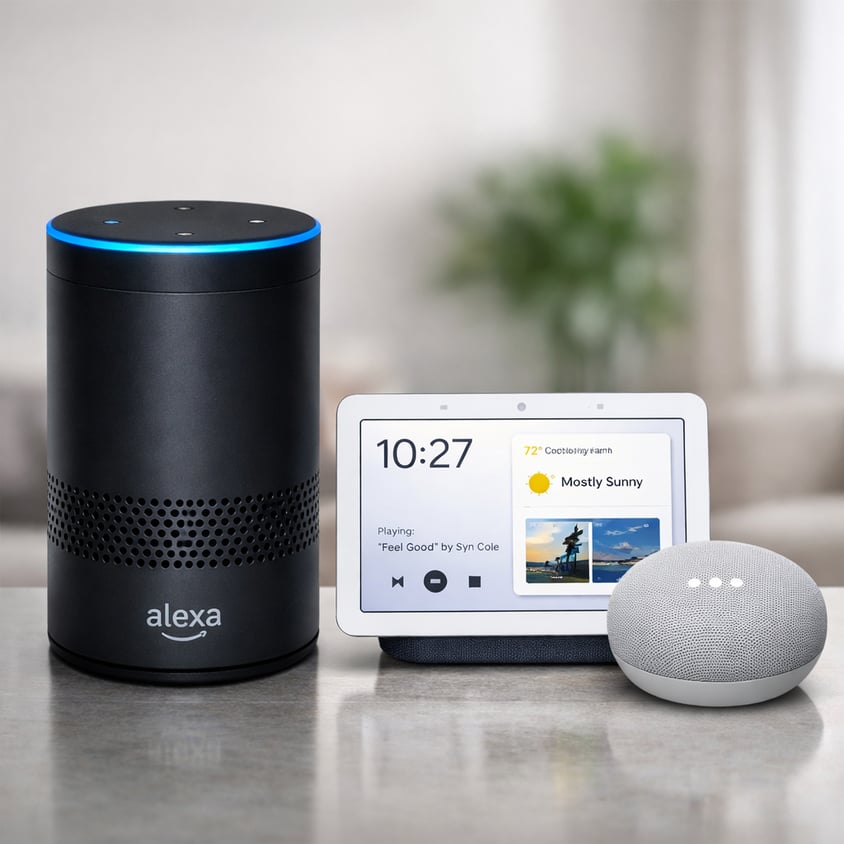
Here’s the good news: Amazon Echo (Alexa) and Google Nest (Google Assistant) can add a meaningful layer of safety at home. Not by “monitoring” your parent—but by making daily life a little easier, a little steadier, and a lot more connected.
This isn’t about turning your parent into a tech project. It’s about adding simple supports that reduce risk.
The Real Problem: Your Parents’ Phone Isn’t Always Reachable
Most older adults have a phone.
They just don’t always have it when they need it.
A voice assistant can help in everyday situations like:
-
- “Call my daughter.”
- “Call 911.” (depending on device setup and services)
- “Call for help.”
Emergency calling features vary by device and setup, but the core value is the same: hands-free connection when moving is hard, stressful, or unsafe. It’s important to be clear from the start: consumer smart home devices were not originally designed as medical safety tools. They’ve added impressive features over time—like emergency call skills, door sensors, and integrations with third‑party fall‑detection hardware—but they still have serious limitations when compared with purpose‑built medical alert systems and the human presence of in‑home caregivers. For instance, they don't have the listening range a fall detection system has. If you fall in a remote part of your home, they may not hear a call for help.
Caregiver daughter tip: The “win” isn’t the gadget. The win is preventing the fall when possible by maintaining a healthy plan.
Safety Isn’t Always an Emergency—It’s the Routine
A lot of crises start as small breakdowns:
-
- missed medications
- dehydration
- skipped meals
- poor sleep
- “I didn’t want to bother anyone.” Silence
Echo or Nest can act like a calm, consistent assistant that never forgets. You can set reminders for:
-
- medications
- water breaks
- meals
- blood pressure checks
- bedtime routines
- appointments
For many families, this is where the devices shine: they help your parent stay on track without you having to nag—and without your parent feeling controlled.
Smart Lighting: The Quiet Fall-Prevention Tool Most Families Miss
If you’re trying to reduce fall risk, don’t start with something fancy. Start with light.
Smart bulbs or smart plugs connected to a voice assistant can:
- turn on hallway lights by voice
- run evening “pathway lighting” automatically
- brighten the bathroom route at night
This one change can reduce risky trips in the dark—especially for parents who don’t want to “make a fuss” or who move slowly when sleepy. Remember most falls are in the home, and the most serious ones are in the bathroom in the dark.
Connection That Feels Supportive, Not Intrusive
Many adult children want reassurance. Many parents want privacy.
A voice assistant can help you strike a healthier balance with:
-
- easy calling (your parent doesn’t have to find numbers)
- announcements or reminders
- shared calendars
- simple check-ins
A “good morning” call or a quick evening check-in becomes easier when the tech is friction-free. And when connection becomes easy, isolation decreases—which matters more than most families realize.
Doorstep Confidence: “Who’s There?” Without Rushing to the Door
One overlooked safety issue is the door.
Video doorbells and smart displays can help your parent:
-
- see who’s there
- decide whether to answer
- avoid pressure from unexpected visitors
It’s not about fear. It’s about choice and control—two things aging can quietly steal unless families protect them on purpose.
The Nuance: Technology Helps, But It Doesn’t Replace People
This part matters.
Smart devices depend on:
-
- power
- internet
- correct setup
- and the willingness to use them
Technology is a layer—not the plan.
The best “aging safely at home” approach is layered:
- Simple technology supports (reminders, lighting, easy calling)
- human support (family, neighbors, community)
- professional support when needs increase (meal prep, bathing safety, mobility, medication routines)
In home care, we often see the turning point: a daughter is doing everything she can, and a parent wants to stay home. Adding the right tech can help—but pairing it with the right in-home support is what keeps things sustainable.
A Simple Setup You Can Do This Weekend (Without Starting a Family War)
If you want “high impact, low drama,” start here:
- Put a device in the kitchen/living area and bedroom
- Add smart lighting for the hallway → bathroom path
- Set three reminders: meds, hydration, bedtime
- Set up “Call my daughter/son” so it works reliably
- Practice using it together—make it casual, not a lesson
Key insight: Your parent doesn’t need to love technology. They only need one or two habits that make them safer.